
01 / Spatial foundation
A map teams can use.
Build an orthomosaic, point cloud and terrain baseline in the agreed coordinate system. Keep coverage and ground-control records alongside the engineering outputs.
Mining digitization
Give mine planning and operations teams a current view of terrain, stockyards and haul routes. Recurring drone capture, spatial comparison and inventory reporting turn site changes into a reviewable record in Flybi V7.
A closer look / Motion overview
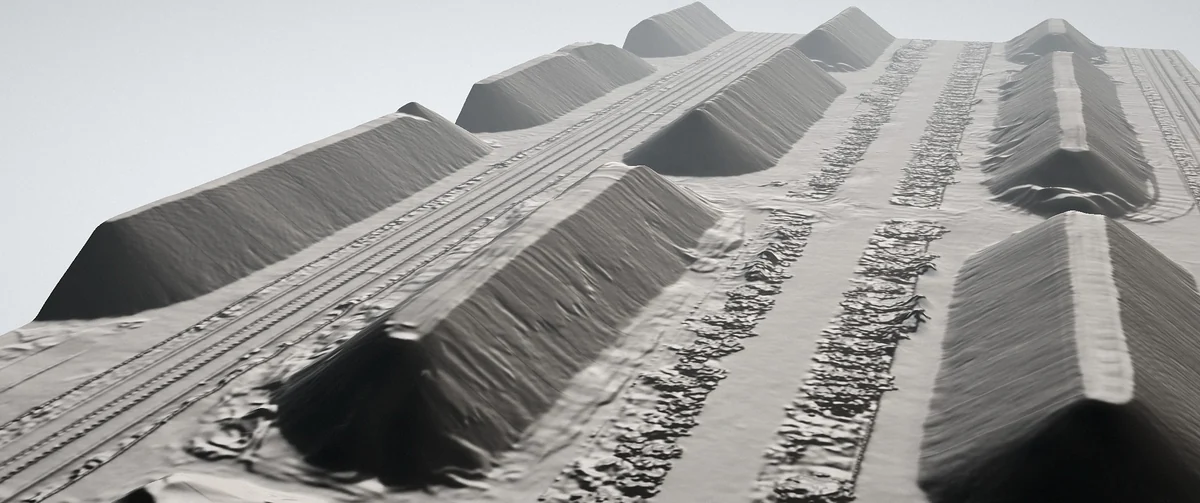
Follow original whole-yard imagery, a surface rendering and a genuine V7 map. These are workflow references, not a before-and-after comparison.
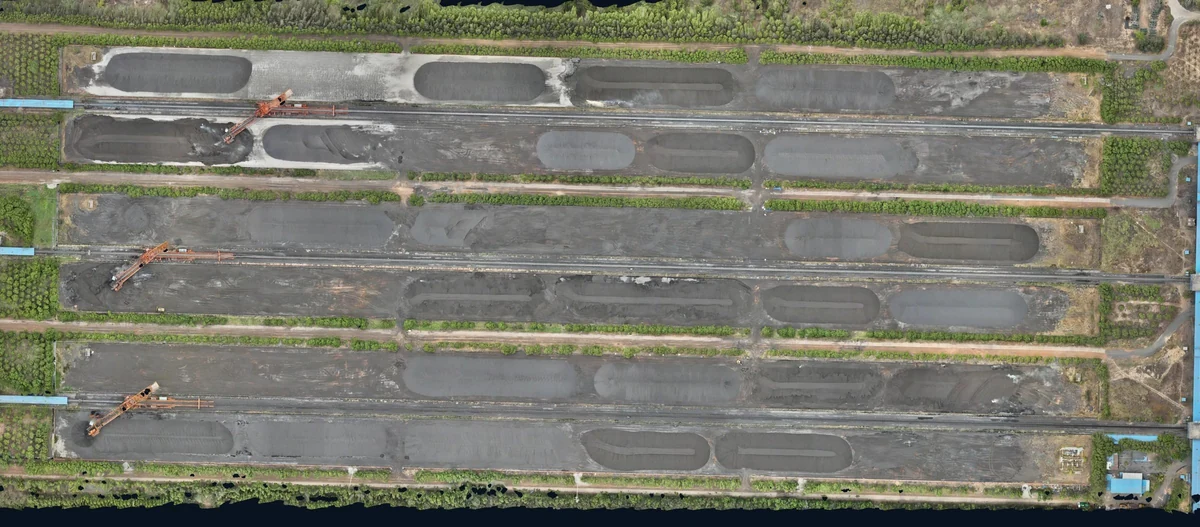 A whole-yard view · Original project captureMeasured stockyard surface · Source rendering
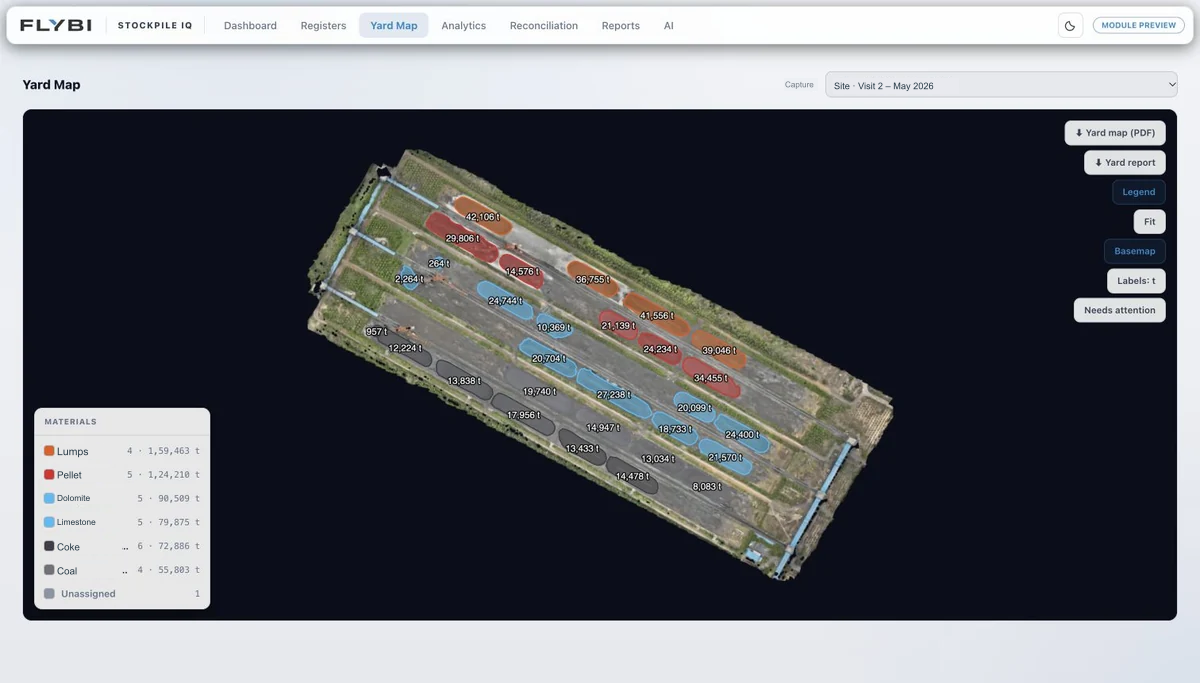 V7 Yard Map · Identity labels redacted; measurements retained
01 / Establish
Agree the working area, coordinates and output needs so the first capture becomes a useful baseline.
Choose a chapter, or play the sequence.
Original source outputs and authentic interface captures, shown as a workflow sequence. These are separate reference views, not recorded footage or a time-series comparison.
Film will be added when approved footage is ready.Agree the working area, coordinates and output needs so the first capture becomes a useful baseline.
Site baselineA processed surface connects the site geometry with the measurement task. Keep the reference, capture date and quality checks with the output.
Surface modelThe actual V7 Yard Map shows how location, pile boundaries and material context support an inventory review. Site-identifying details are withheld.
Site and inventory viewA shared site view
Select a working view. Each discipline asks different questions of the same spatial foundation.
Terrain reviewWorkflow illustration using a source spatial visualConnected review
Compare suitable capture epochs and keep changes in terrain or earthworks tied to a common coordinate and measurement basis.
Agree the capture interval, control and comparison method before relying on a change calculation.
Explore terrain intelligenceA repeatable programme
01 / Spatial foundation
Build an orthomosaic, point cloud and terrain baseline in the agreed coordinate system. Keep coverage and ground-control records alongside the engineering outputs.
02 / Change review
Compare compatible capture dates to review earthworks, pile quantities and site layout. Relate the change to its area, period and measurement basis before reconciling with operations.
03 / Reporting cadence
Combine the current site view with a progress brief and stockpile ledger at the agreed cadence. Weekly operations and monthly leadership reviews may require different breakdowns.
How the work comes together
01 / Mobilise
Review boundaries, access, terrain, airspace, production activity and existing data with the relevant site team.
02 / Repeat
Maintain the capture and quality record so a later visit can be compared meaningfully with the baseline.
03 / Use
Review the current spatial record, dated captures and agreed outputs through V7. Define the handover to mine planning, stores or finance; specialist monitoring and integrations have their own scope.
Explore the review
Move through the capture sequence to see how repeat field capture becomes a useful comparison.
03 / Compare
Review differences against a common reference. Keep coverage, method and limitations beside the comparison so teams know what the update can support.
Conceptual sequence. The outlines explain the workflow and are not measured changes at a client site.
Scope it carefully
No. Set the cadence around the rate of site change and the decisions being supported. Access, production activity and weather also affect the capture window; the project scope should make the interval clear.
Spatial evidence may support a geotechnical review, but a general site model is not a substitute for validated slope monitoring or a competent geotechnical assessment.
Only if the necessary records, material mapping and an agreed integration are available. Measured quantities and book records should remain distinguishable until reconciled.
Share the mine boundary, existing measurement reference, the teams and decisions to support, required cadence, known access constraints and preferred outputs.
Start with the decision
Let’s define a capture and review programme around the way your mine operates.