
Locate the work
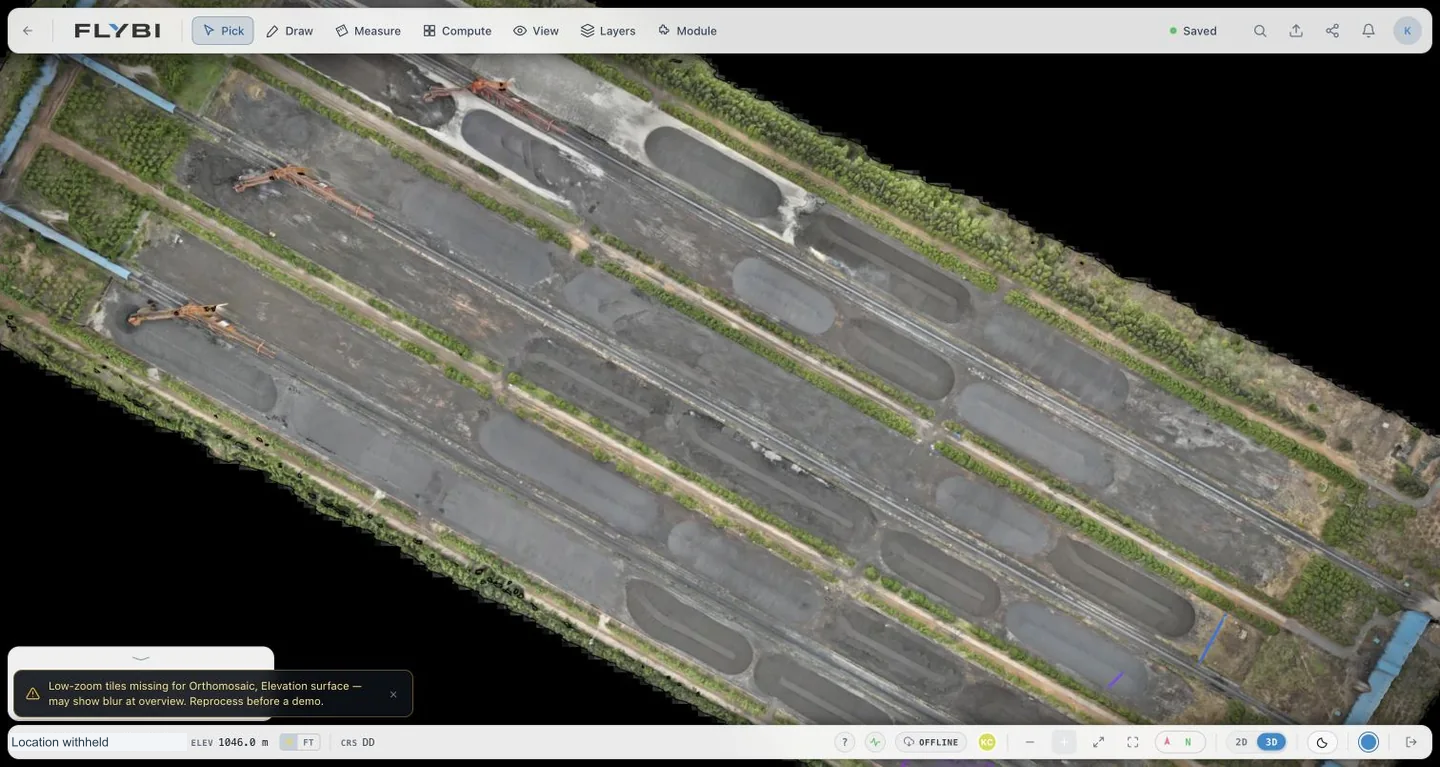
Use the site view to connect an observation or pile with its physical position. The layout becomes a shared reference for operations, field and reporting teams.
Flybi V7 / Site intelligence
V7 connects a site’s spatial model with its capture visits and working records. Use the V7 workspace to see how a pile stays connected to its location and measurement basis.
From site-wide to specific
Begin with the overall site layout, then focus the review on the record that matters.
Use the site view to connect an observation or pile with its physical position. The layout becomes a shared reference for operations, field and reporting teams.
Dates and capture context matter. Make sure everyone is discussing the same visit before comparing quantities or drawing conclusions about change.
Read the record alongside the method and supporting information. A visual layer is the beginning of a review, not a substitute for checking its basis.
Different questions. Shared context.
Flybi scopes the capture, interpretation and handover around your site. Available platform views depend on the module and project.
Connect piles, capture visits and material records with the yard layout.
Explore stockpilesDiscuss observations alongside location, time and relevant site conditions.
Explore environmentalRelate acquisition coverage and interpreted variation to the exploration question.
Explore geophysicsThe next step
Bring the task your team needs to work through.