
01 / Topography
Understand the ground.
Separate ground from above-ground features to prepare terrain and surface outputs for site planning, earthworks and drainage context.
LiDAR & terrain intelligence
Bring drone-captured geometry into planning and engineering. Flybi prepares classified point clouds, terrain and surface models, and contours around your site, coordinate system and intended downstream use.
A closer look / Motion overview
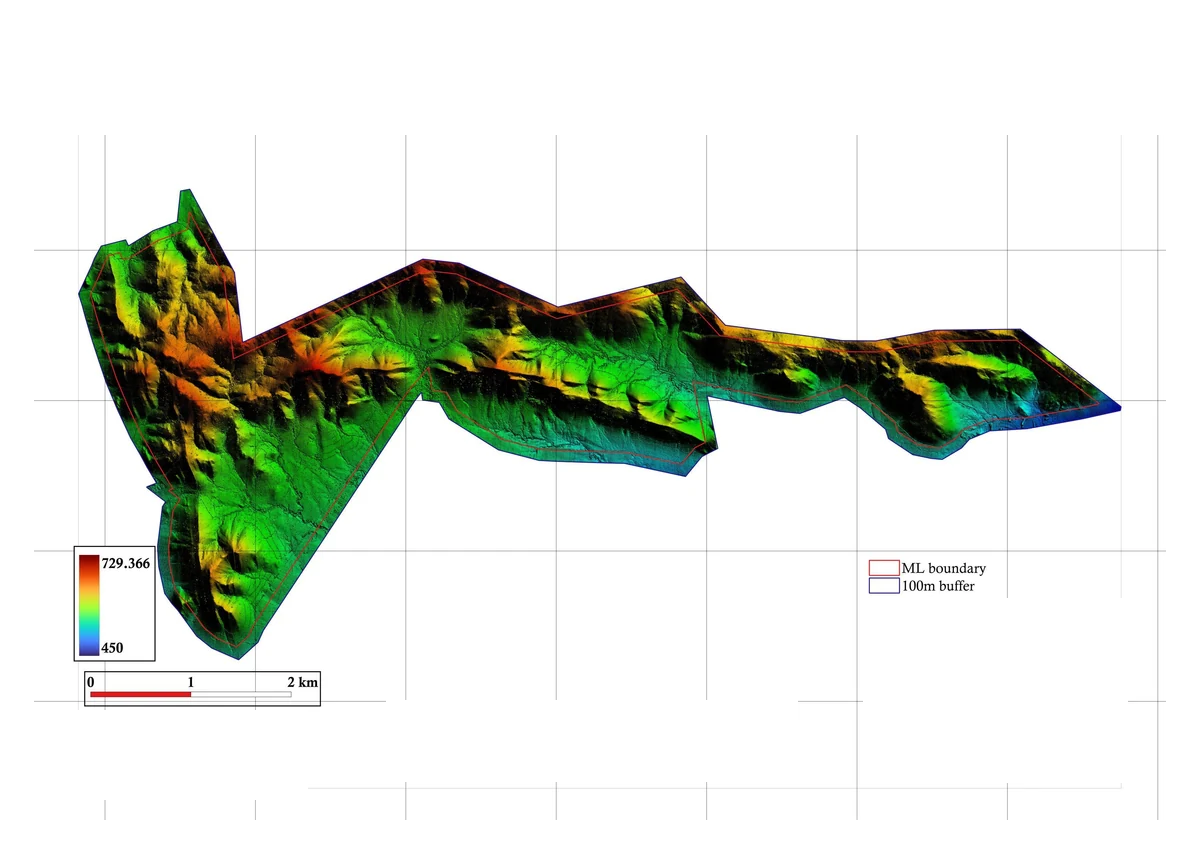
Read three source-derived terrain outputs: the orthomosaic, digital surface model and digital terrain model. Site-identifying labels are withheld; the outputs retain their scientific context.
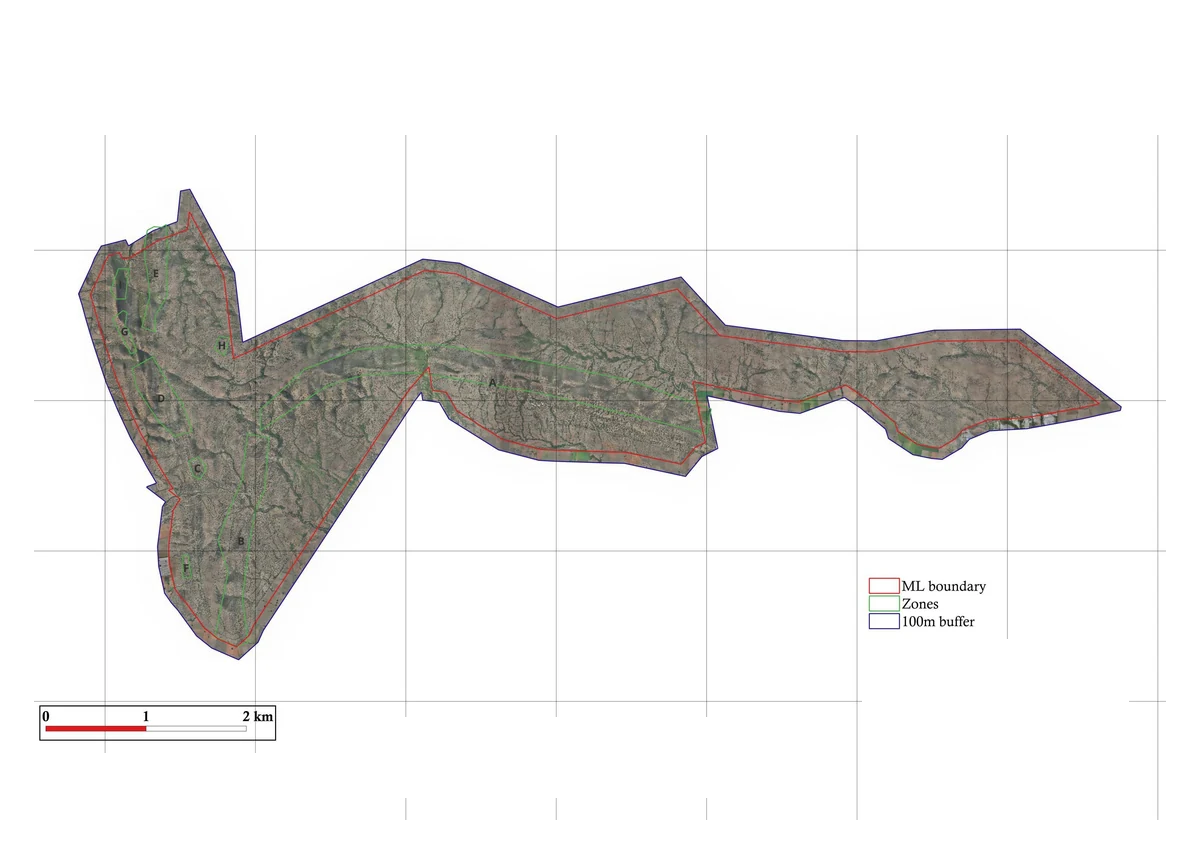 Orthomosaic · Identity labels redacted; measurements retained
 Digital surface model · Identity labels redacted; measurements retainedDigital terrain model · Identity labels redacted; measurements retained
01 / Locate
The project orthomosaic provides a photographic site reference. It sits alongside the geometric outputs used in the mapping workflow.
Choose a chapter, or play the sequence.
Original source outputs and authentic interface captures, shown as a workflow sequence. These are separate reference views, not recorded footage or a time-series comparison.
Film will be added when approved footage is ready.The project orthomosaic provides a photographic site reference. It sits alongside the geometric outputs used in the mapping workflow.
Original orthomosaicThe original digital surface model shows the surface represented by the acquisition and processing. Review its reference and quality information before using it.
Original surface modelThe original digital terrain model is a separate output from the surface model. Agree terrain, contours and handover formats around the planning question.
Original terrain modelGeometry that supports the work
LiDAR is a measurement method. The value lies in acquisition design, control, classification and outputs that fit the engineering question.
01 / Topography
Separate ground from above-ground features to prepare terrain and surface outputs for site planning, earthworks and drainage context.
02 / Corridors
Keep alignments, crossings and adjoining terrain in one coordinate reference. Specify the corridor width and detail needed by the receiving design team.
03 / Complex terrain
Scope capture around vegetation, terrain, access and coverage. Ground visibility and point classification affect the final terrain product.
Interactive explanation
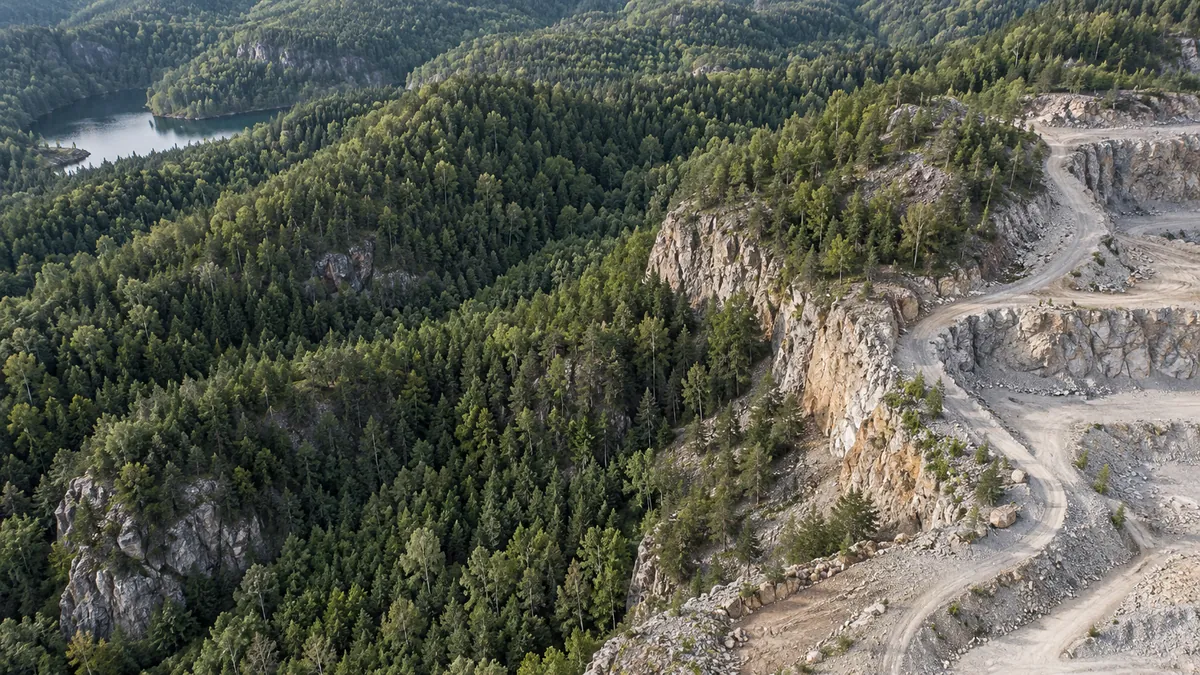
Drag the divider to read the same landscape through a conceptual classification layer. Vegetation and exposed ground need different treatment when preparing useful geometry. The example is illustrative, not measured LiDAR data.
Deliverables
01 / Point cloud
A point cloud in agreed LAS/LAZ or other compatible format, with the classification scheme, coordinate reference, coverage and quality metadata.
02 / Terrain & surface models
Ground terrain (DTM) and top-surface (DSM) outputs selected for the task. GeoTIFF rasters and other agreed formats retain the coordinate and resolution information.
03 / Contours & engineering handoff
Contours and CAD/GIS outputs with agreed intervals, units and layers. Check them against the engineering use and achievable measurement specification before handover.
How the work comes together
01 / Design
Agree boundary, required accuracy, coverage, ground conditions, coordinate system and output formats.
02 / Control
Scope ground control and independent checks appropriate to the project. Document the basis of accuracy reporting.
03 / Review
Review coverage, classification and output suitability before the deliverables move into the client’s engineering workflow.
Before the flight
No. Density describes how many points represent an area. Accuracy concerns how well measurements relate to the relevant reference. Both need to be specified and assessed for the intended use.
A DTM represents the ground terrain. A DSM represents the top visible surface, which may include buildings and vegetation. The processing and classification approach determines the output.
No. Some pulses may reach the ground through canopy gaps, but ground returns depend on vegetation, capture geometry and conditions. Required terrain completeness should be scoped explicitly.
Discuss the coordinate reference, formats, contour intervals and model resolution with the project team before acquisition, so the handover matches your downstream work.
Start with the decision
Share the area, required outputs and engineering use. We’ll begin with the specification.