
Your V7 walkthrough
See the workflow.
Bring your use case.
Follow a real V7 workflow: locate the site, review its stockpile records and see how the reporting view brings the visit and quantities together.
A walkthrough with
your work in mind.
- Open the site and review the selected capture visit.
- Locate piles and inspect material, volume and density records.
- Compare the yard map, inventory dashboard and report breakdown.
- Discuss what fits your project and what needs scoping.
Choose the closest area of interest. This request begins a conversation; it does not book a confirmed appointment.
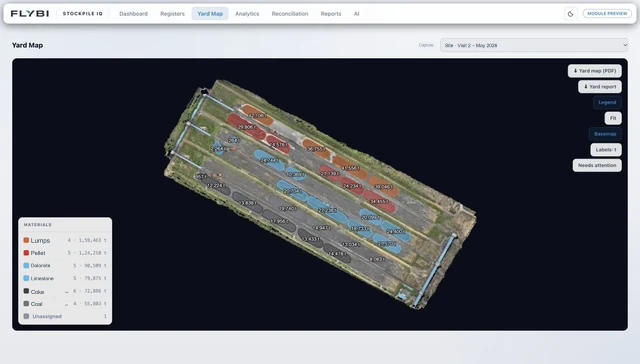
Actual platform preview. Your project scope may use different views.
Request a focused introduction